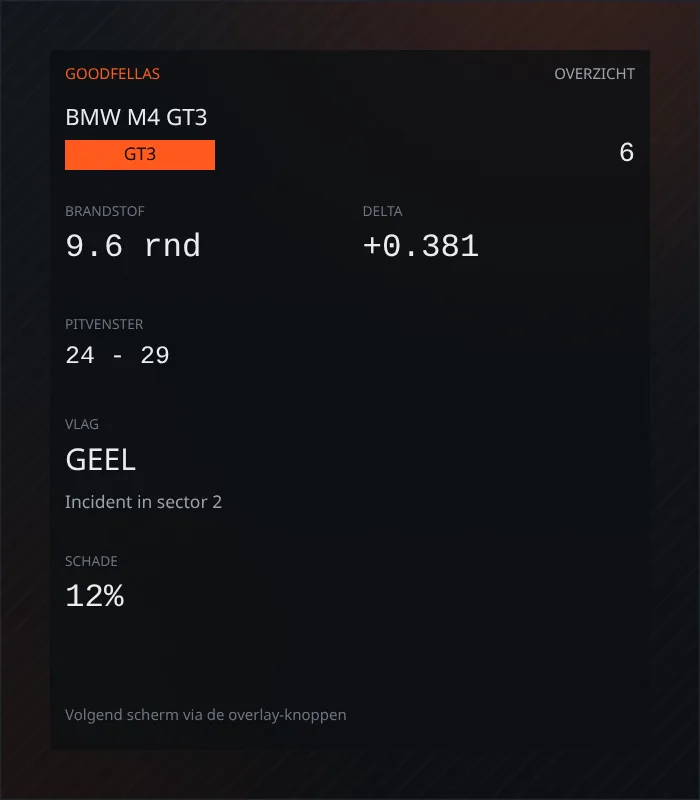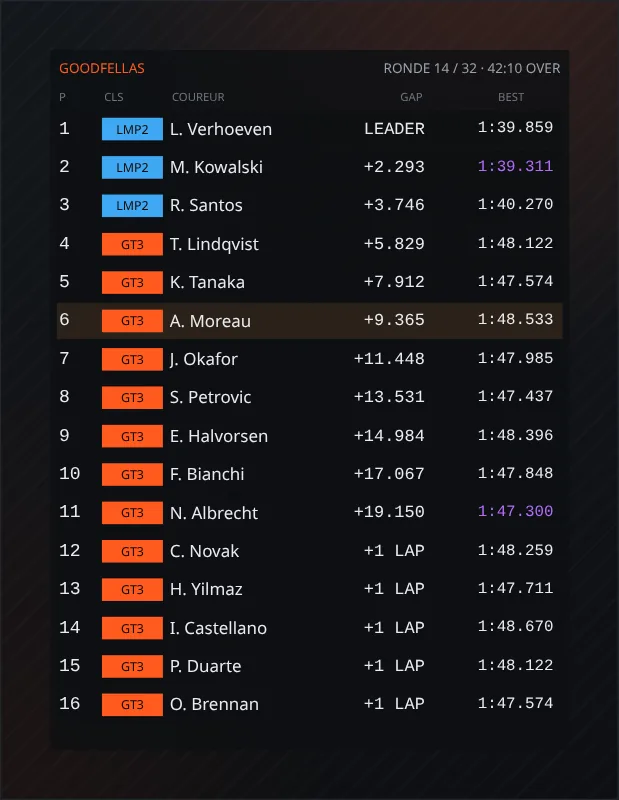

Goodfellas overlays
Join our Discord first
The overlays are free for the Goodfellas community. Click the button, join our Discord and the downloads appear right away on this page.
Join the DiscordThanks! The downloads are ready below.
One SimHub plugin. After that, download only the overlays you want on screen. Leaderboard, relative, track map, flags, fuel, inputs and copilot work on iRacing, ACC, Le Mans Ultimate, AMS2, F1 and WRC.
The plugin, once
Without the plugin the dashboards stay empty. Install it once. Every overlay below is its own file.
- Close SimHub.
- Download the plugin and unzip it.
- Copy
Goodfellas.SimHub.dllandGoodfellas.Telemetry.dllintoC:\Program Files (x86)\SimHub, next toSimHubWPF.exe. Windows asks for administrator rights. Both files are required. - Start SimHub. Goodfellas appears in the left menu.
- Download the overlay you want below. Extract the folder into
Documents\SimHub\DashTemplates. - Open Dash Studio and add that dashboard once as an overlay. It then follows the active sim on its own.
Overlays, each on its own
Unzip one file. The folder belongs in Documents\SimHub\DashTemplates. There is no all-in-one bundle.
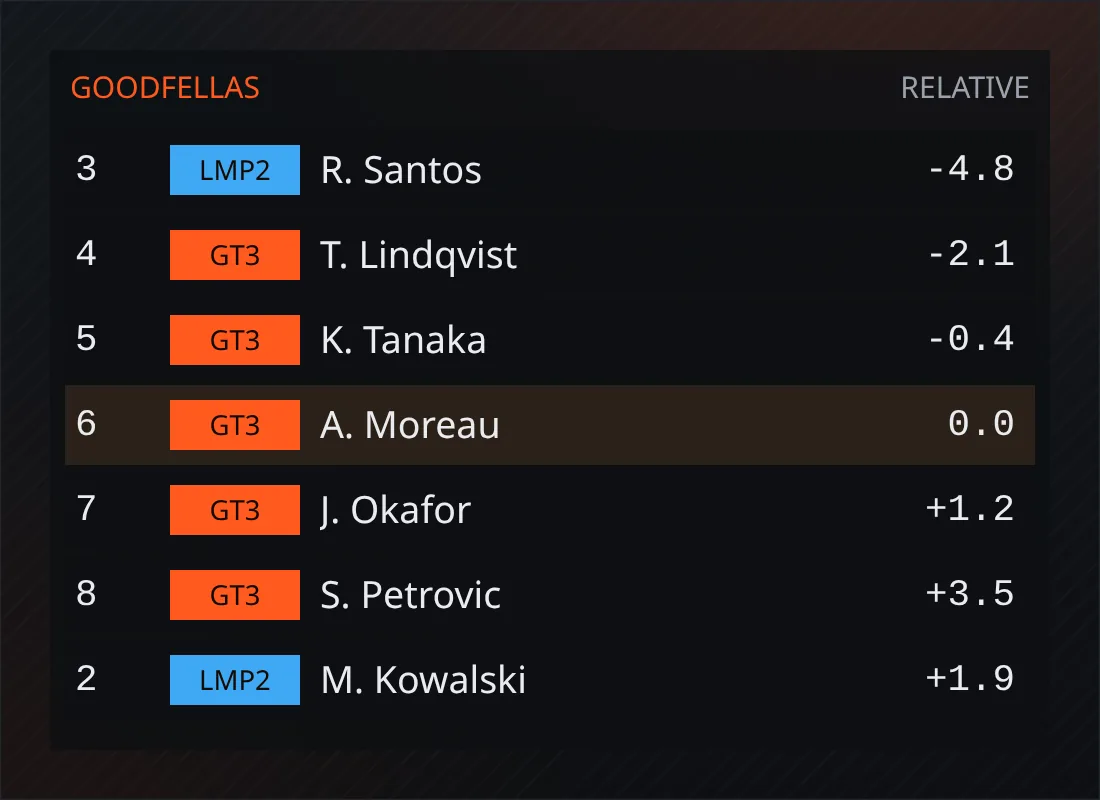
Relative
Download (2 KB)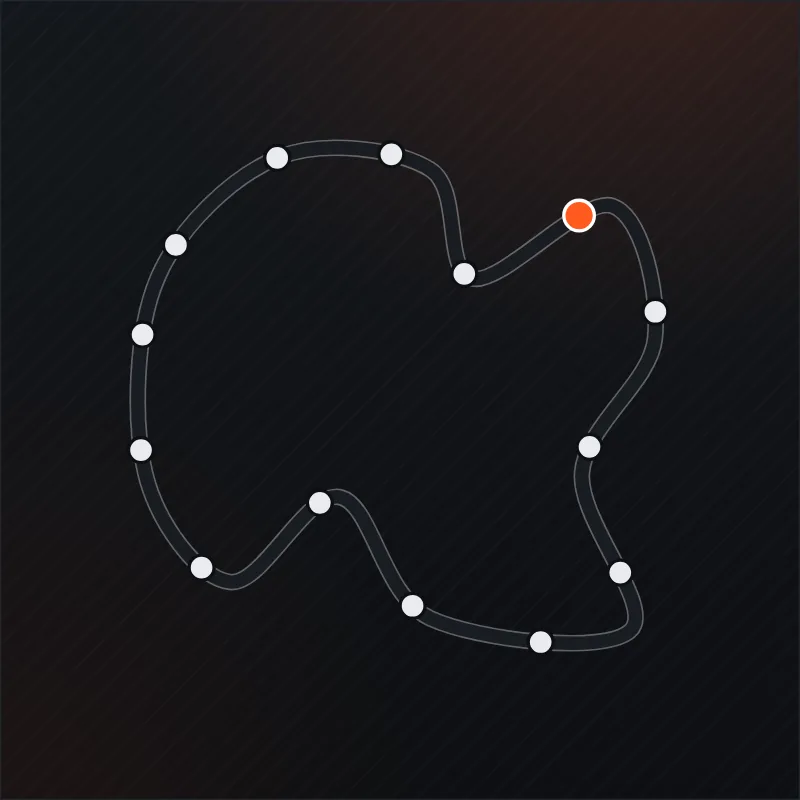
Track Map
Download (2 KB)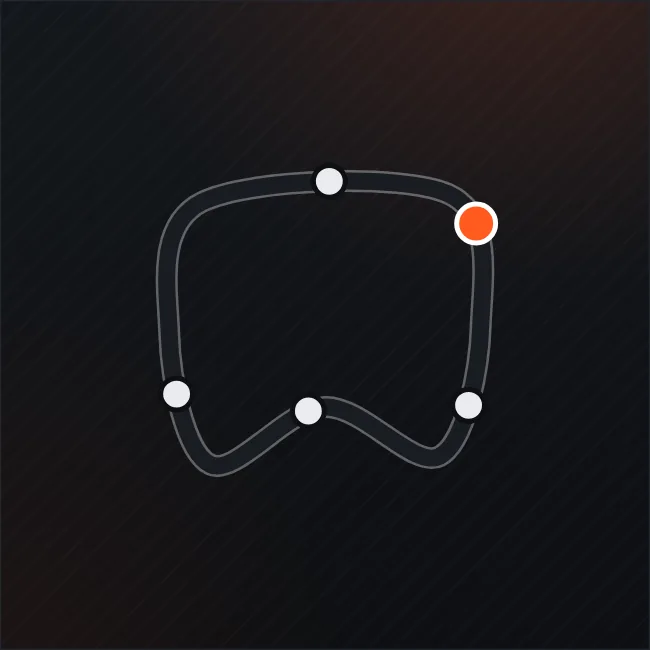
Mini Map
Download (2 KB)
Linear Map
Download (2 KB)
Flags
Download (2 KB)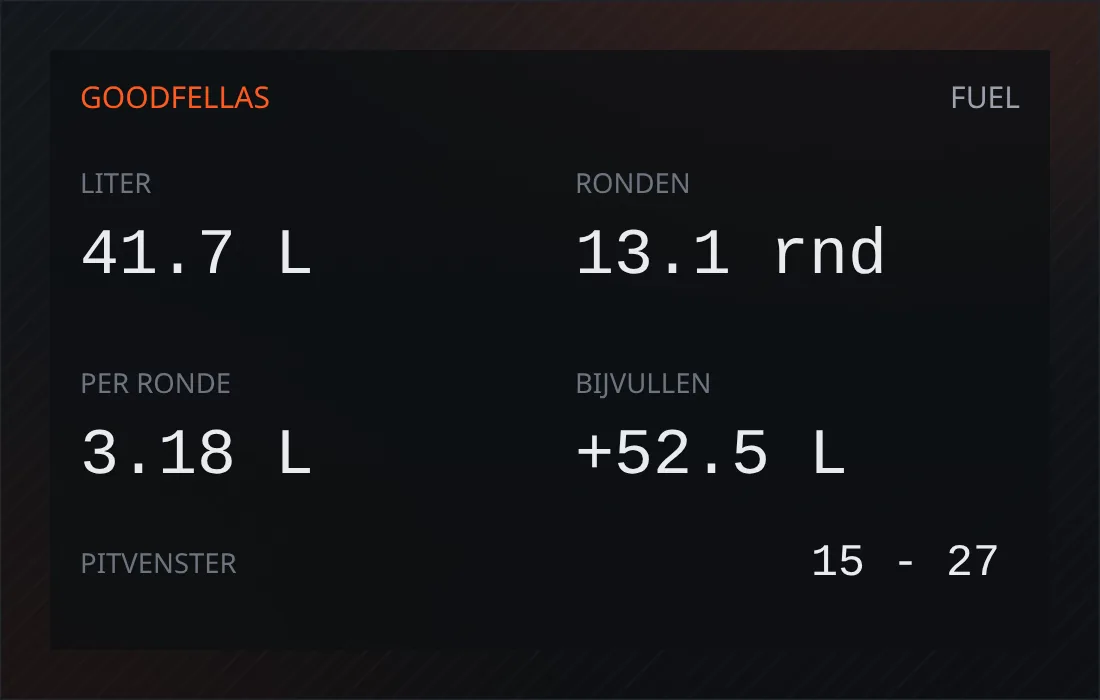
Fuel
Download (2 KB)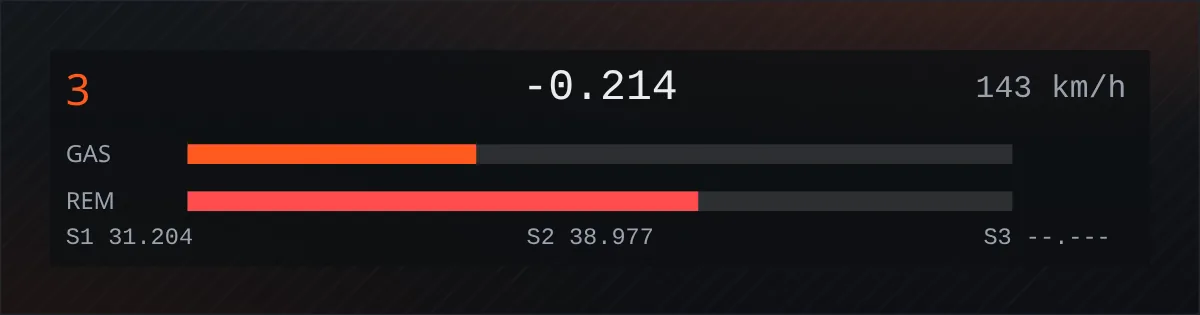
Inputs
Download (2 KB)